Contrast-Limited Adaptive Histogram Equalization (CLAHE)
The CLAHE method is used to improve the contrast of images. It differs from ordinary histogram equalization in that the adaptive method calculates multiple histograms, each corresponding to a separate section of the image, and uses them to redistribute the brightness values of the image. It can therefore improve local contrast and enhance edge definition in each region of an image.
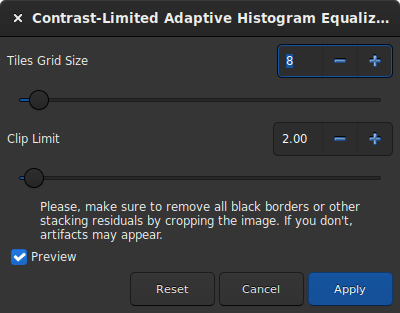
Dialog box of the Contrast-Limited Adaptive Histogram Equalization filter.
Tip
This filter is a liveview filter. In other words, every change in the settings is automatically visible on the screen, but this can be disabled by unchecking the Preview button.
The size of the tiles, in which the histograms are calculated, can be defined via a slider. By default it is set to 8.
The Clip Limit is the option that prevents to overamplify noise in relatively homogeneous regions of an image. Then, the clipped part of the histogram that exceeds the clipping limit is redistributed equally among all the bins of the histogram.
Tip
This filter works better on non-linear data. It is recommended to stretch the image before.
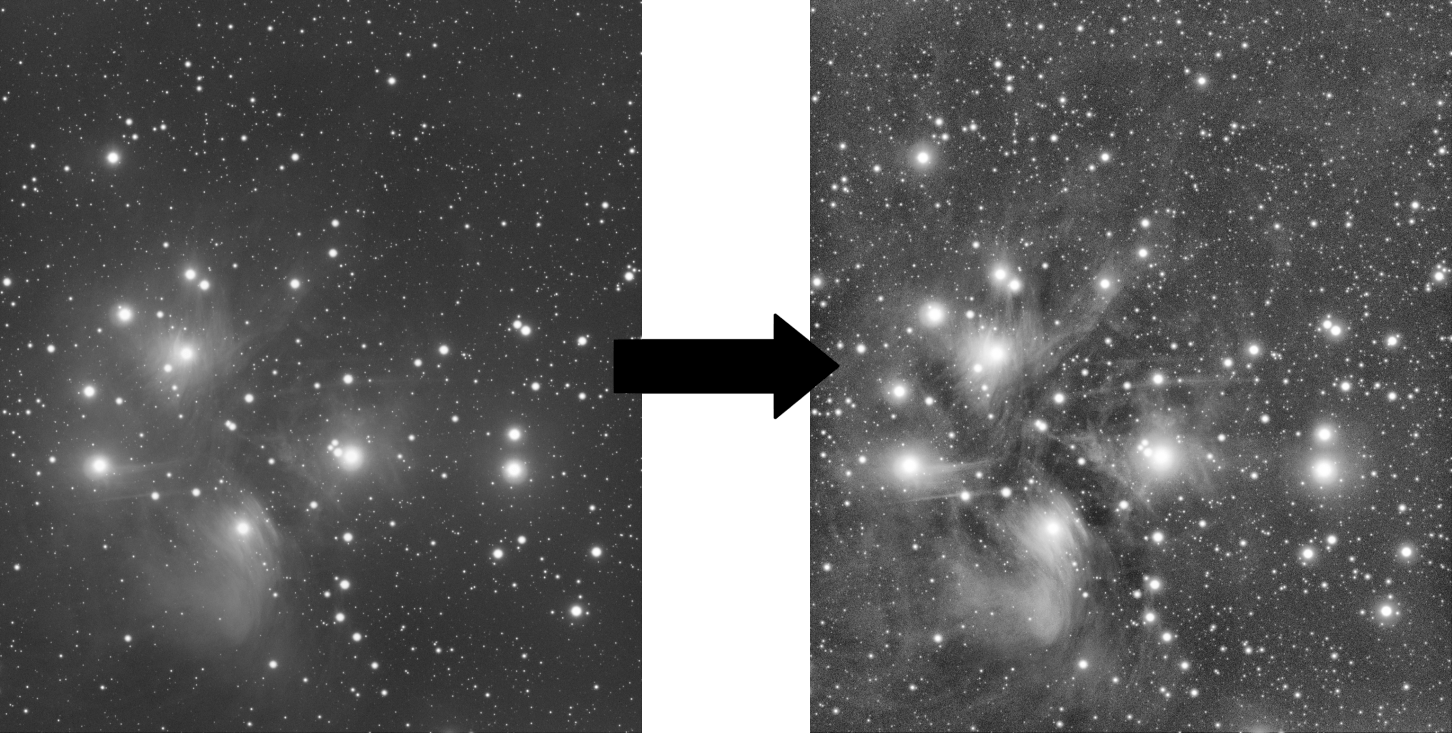
An example of CLAHE filter applied to a non-linear data
with Tiles Grid Size=21 and Clip Limit=4.20.
Sirilコマンドライン
clahe cliplimit tileSize