macOS安装
Siril安装
macOS提供这些架构的构建:
Intel (macOS 13 Ventura+)
Apple Silicon (macOS 13 Ventura+)
选择对应的架构并下载dmg文件,完成后右击打开。
一个新窗口会弹出。将 Siril 图标拖动的 Applications 文件夹中。
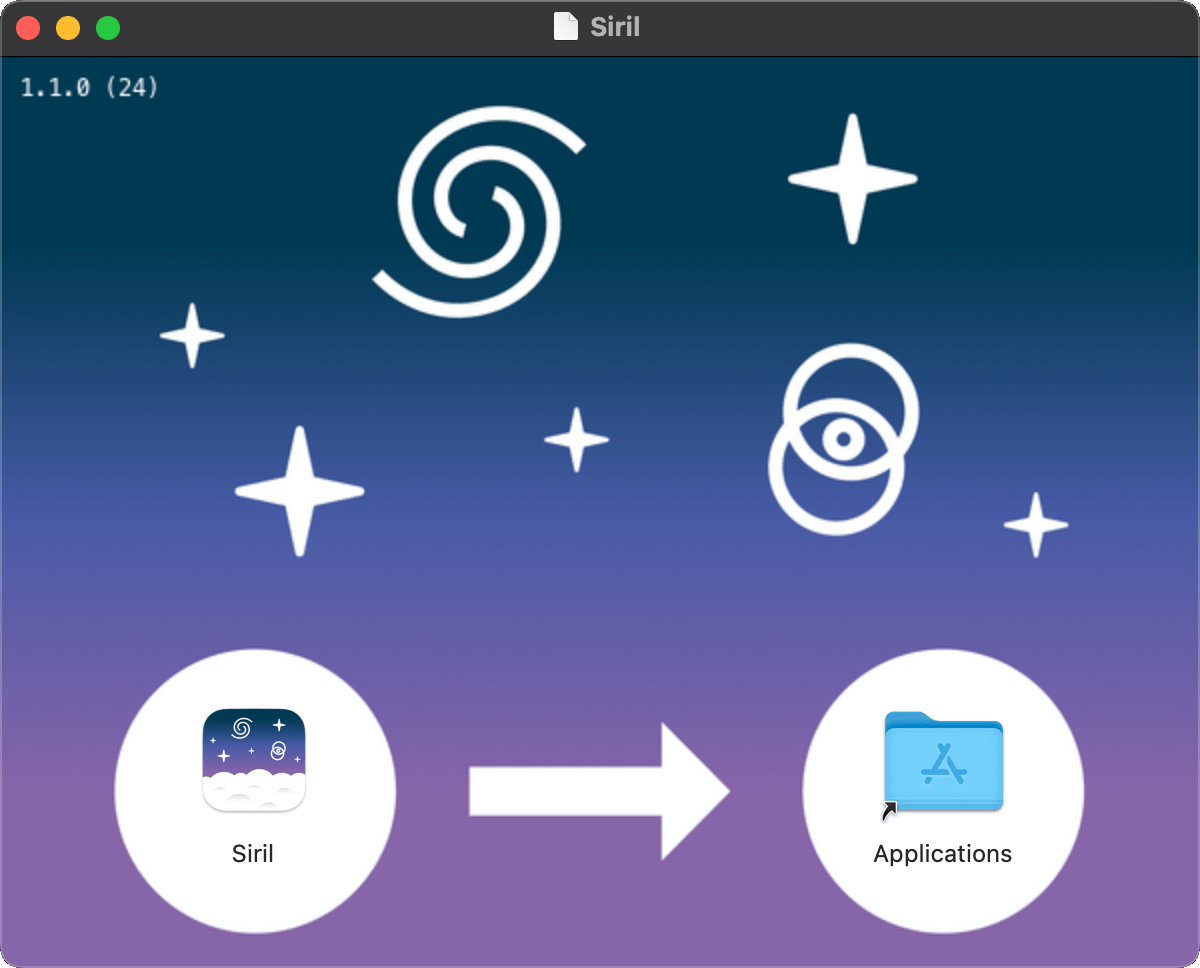
恭喜,Siril已安装完成。
从Homebrew安装
Homebrew is similar to MacPorts and provides packages (aka formulae) to install, either by compiling them from source or by using pre-compiled binaries (aka bottles). To install Homebrew, click here. Siril can be installed with:
brew install siril
备注
Please be aware that it was announced that Homebrew is using analytics. To turn this off, run: brew analytics off
You can read more about this on Brew Analytics.